
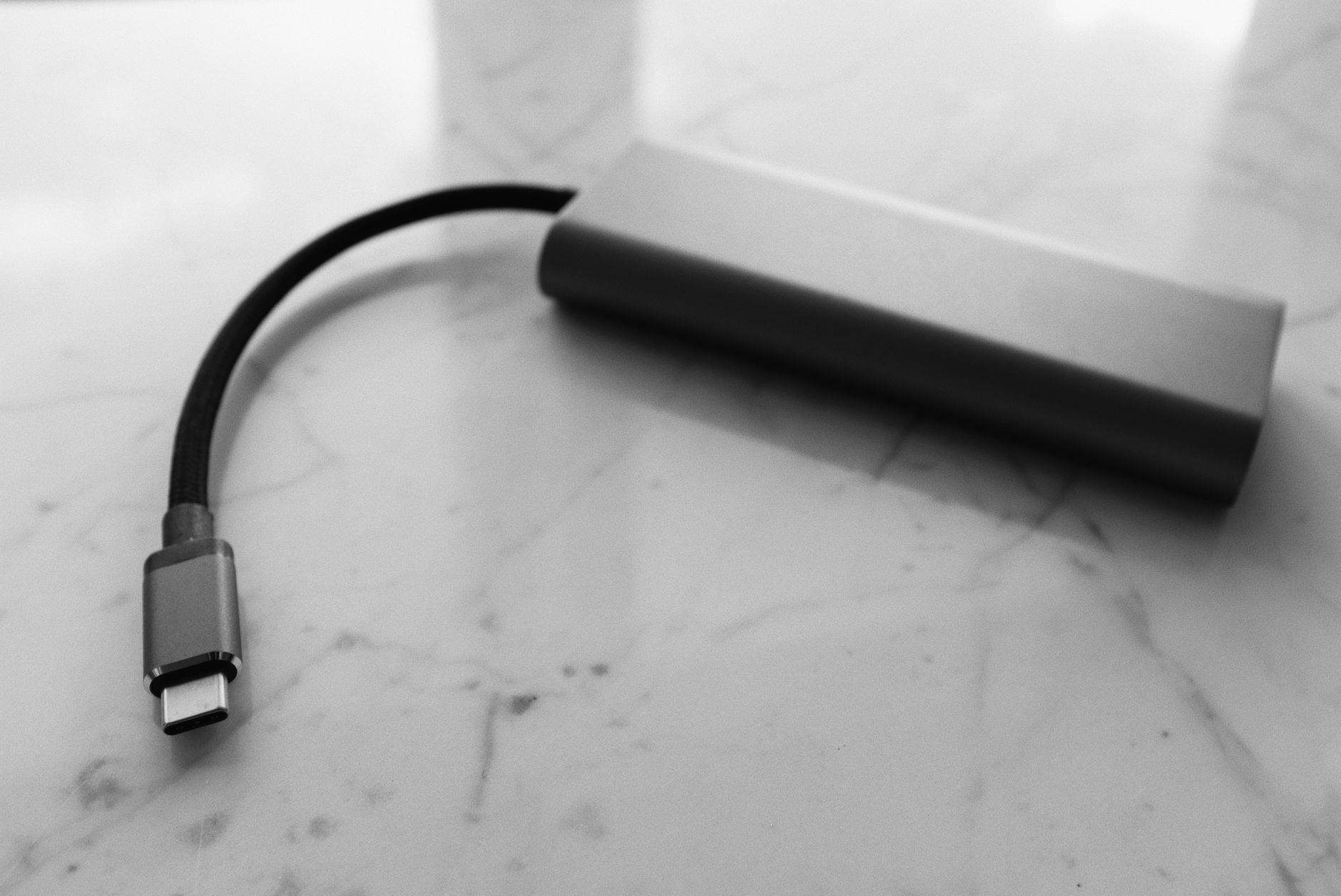
USB-C Power Delivery (USB-C PD) has effectively won the laptop charging war. Most business laptops sold in Australia today ship with a USB-C charger, and many drop the barrel connector entirely. That's a genuine improvement for IT teams managing mixed fleets. One cable type, shared across devices, no proprietary bricks to stock. The reality, though, is messier than that promise suggests.
The USB-C PD specification has gone through multiple revisions, split into wattage tiers that don't always behave the way procurement teams expect, and spawned a cable ecosystem where physically identical connectors carry wildly different power ratings. Getting this wrong means buying chargers that throttle performance, or cables that fail silently under load.
How USB-C PD actually works
USB-C PD is a negotiation protocol. The charger and the device talk to each other over the USB-C cable's CC (Configuration Channel) pins, agreeing on a voltage and current combination before any significant power flows. This negotiation happens in milliseconds. If a device requests 20V at 5A (100W) and the charger can supply it, that's what it delivers. If not, both sides drop to whatever they can agree on.
The current revision, USB PD 3.1, introduced Extended Power Range (EPR) profiles covering 28V, 36V, and 48V. These allow chargers rated up to 240W, which is enough for 16-inch mobile workstations with discrete GPUs. EPR requires a physically marked EPR cable, not just any USB-C lead. A Standard Power Range (SPR) cable plugged into an EPR charger will cap at 100W regardless of what either end claims on the box.
Below EPR, the SPR profiles cover five fixed voltages: 5V, 9V, 15V, and 20V, with the maximum current varying by profile. A charger rated at 65W is almost always running at 20V/3.25A. One rated at 45W typically negotiates 20V/2.25A. Both look identical on a desk.
What wattage ratings mean in practice
Laptop OEMs publish a minimum recommended charger wattage for good reason. A 14-inch ThinkPad or Dell Latitude typically needs 65W to charge at full speed while running. Drop to a 45W charger and most will still charge, but only when the CPU and GPU are lightly loaded. Under sustained workloads, a 45W charger on a 65W laptop will slow-charge or even discharge slightly while the lid is open.
This matters for hot-desk environments. A user plugs into a monitor's 45W USB-C PD port expecting their battery to recover. After three hours of Teams calls and spreadsheet work, it's gone backwards. The monitor's spec sheet said "USB-C PD charging." It wasn't wrong. It just wasn't enough.
High-end mobile workstations raise the stakes further. A 16-inch MacBook Pro with M-series silicon needs 96W for full-speed charging. A Dell Precision 5680 with a discrete NVIDIA RTX GPU requires 130W. Neither will charge properly from a standard 100W SPR charger under sustained GPU load, and both will refuse to charge at all from anything under 60W while rendering or running ML inference tasks locally.
For Australian IT teams procuring shared charging infrastructure, the practical minimum for a general fleet is 65W. For any mobile workstation category, budget for 100W SPR or EPR depending on the device.
Cable ratings: the hidden failure point
USB-C cables don't all carry the same current. The spec defines three cable classes based on their rated amperage: 3A cables (sometimes marked e-Marked or not marked at all for 3A), and 5A cables which require an e-Marker chip embedded in the connector. Without an e-Marker, the negotiation protocol won't allow more than 3A at 20V, capping power at 60W.
A cable with no markings, sold in a pack of three for $12 at a local electronics chain, is almost certainly a 3A cable. It will charge your laptop. It will not charge it at 100W. You won't get an error. The device will just negotiate down and draw 60W instead of 100W, and no one will notice until someone compares charge times.
The problem compounds in hot-desk or docking station environments where chargers and cables are shared. An IT team buys 100W chargers for every desk, spec-compliant in every way, then someone swaps the included cable for a spare from the drawer. Output drops by 40%. Support tickets about "slow charging" start appearing. The root cause is a cable that looks identical to the correct one.
Enforce cable standards at procurement time. For any charging setup over 60W, buy e-Marked 5A cables only, and physically label them. It's an unglamorous fix, but it closes the gap entirely. When reviewing business laptop docking stations, USB-C PD output wattage and cable compatibility are among the most overlooked specs in the whole purchasing decision.
Gallium nitride chargers and what they change
Gallium nitride (GaN) semiconductor technology has meaningfully changed the charger market since 2023. GaN chargers run cooler and smaller than traditional silicon-based chargers at the same wattage. A 100W GaN charger from Anker, Baseus, or Ugreen is roughly the size of a traditional 45W charger from five years ago.
For Australian IT teams, GaN chargers have two practical implications. First, multi-port GaN chargers (one USB-C PD port at 100W plus two additional ports) make sense for travel kits and hot-desk setups. Second, GaN chargers from reputable brands are now price-competitive with OEM replacements, which matters when you're replacing 200 chargers across a fleet refresh.
The caution: not all GaN chargers on the Australian market implement PD negotiation correctly. Cheap units from unknown brands sometimes misreport their wattage to the device, deliver less than negotiated, or skip EPR compliance entirely. Stick to brands with independent certification (USB-IF compliance is the clearest marker) and check that the charger lists its PD profiles explicitly in the spec sheet, not just a headline wattage number.
Docking stations and monitor charging: where procurement gets complicated
Many modern monitors and docking stations pass USB-C PD power through to a connected laptop. This is convenient but introduces a power budget that IT buyers often don't read carefully enough.
A monitor with a 90W USB-C PD port sounds adequate for most business laptops. But that 90W is the total budget shared between the monitor's own USB hub, any peripherals connected downstream, and the laptop itself. With a USB keyboard, mouse, and external storage attached, actual power delivered to the laptop may drop to 60W or less. For a laptop that needs 65W to charge under load, that's a problem.
The fix is straightforward: check the monitor or dock's "power delivery to laptop" spec, not its headline PD wattage. These figures differ by 10 to 30W on most mid-range monitors. For workstation-class laptops, a separate high-wattage wall charger paired with a data-only USB-C dock is often the more reliable architecture.
These decisions are closely connected to broader questions around which ports your team actually needs on the device itself. A laptop with Thunderbolt 4 handles power negotiation more reliably than one limited to USB 3.2 Gen 2, because Thunderbolt hosts implement the full PD 3.1 controller spec rather than a subset.
Proprietary fast-charging and where it still appears
Some business laptops, particularly Lenovo ThinkPads and certain HP EliteBooks, support a proprietary rapid-charge mode on top of standard USB-C PD. ThinkPad Rapid Charge, for instance, can bring a depleted battery to 80 percent in about an hour on compatible chargers. This only works with OEM chargers or certified third-party alternatives that implement the proprietary protocol layer above PD.
It's worth knowing about, but don't let it drive fleet standardisation decisions. Standard USB-C PD at the correct wattage will charge these laptops normally. The proprietary layer is a convenience feature, not a compatibility requirement.
Where proprietary charging still matters is in the ageing tail of any laptop fleet. Devices purchased before 2021 may still use barrel connectors or USB-C ports that don't support PD at all, relying on OEM chargers for voltage signalling. Mixing old and new charging infrastructure in a fleet refresh is where the most support overhead accumulates. Audit the installed base before assuming USB-C PD consolidation is complete.
Summary: what to check before you buy
The spec checklist for USB-C charging procurement isn't long, but each item closes a real failure mode:
- Match charger wattage to the OEM's minimum recommended figure, not the laptop's theoretical maximum.
- For any device over 100W, confirm the charger and cable both support EPR (USB PD 3.1), and use a marked EPR cable.
- For devices between 60W and 100W, use an e-Marked 5A cable. Verify the e-Marker is present, not assumed.
- Check monitor and dock "power delivery to laptop" figures, not headline PD wattage.
- Buy USB-IF certified GaN chargers from named brands for fleet replacements.
USB-C PD is a better charging standard than anything it replaced. But "one cable" doesn't mean "one spec." The wattage figures, cable ratings, and EPR profiles are real engineering constraints, not marketing footnotes. Reading them before procurement is faster than diagnosing the problems that follow from not doing so. For teams evaluating laptop specs more broadly, the battery life figures that manufacturers publish carry the same optimistic caveats, and the same gap between the spec sheet and actual desk performance.