
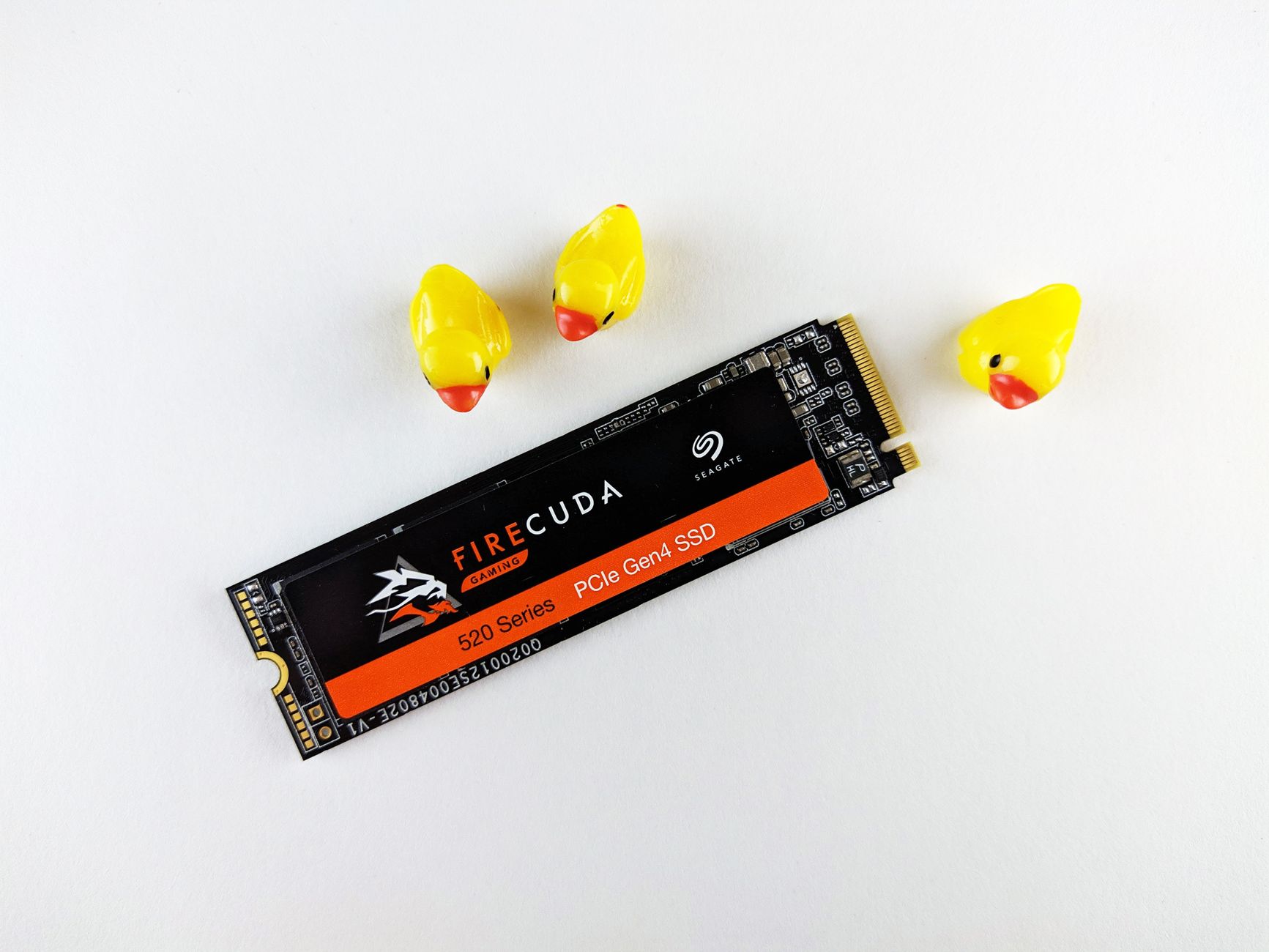
PS5 storage upgrades have become one of the most searched topics in the console gaming community, and for good reason. Modern games are enormous. A single major title in 2026 can exceed 100 GB, and the PS5's factory-fitted 825 GB drive fills up quickly. Sony built expansion support directly into the console, but the process isn't as forgiving as it first appears, and Australian buyers face a few extra wrinkles on top of the standard technical requirements.
What Sony actually requires
The PS5 accepts a single M.2 NVMe SSD in its dedicated expansion slot. Sony's official requirement is a PCIe Gen 4 drive with a sequential read speed of at least 5,500 MB/s. Drives slower than that will still physically fit, but Sony warns that performance may fall short of what the console expects, particularly during fast-travel loading and asset streaming in demanding titles.
Capacity options range from 250 GB to 4 TB, but anything below 1 TB is a false economy given game sizes today. A 2 TB drive is the sweet spot for most players in 2026. Accepted form factors are 2230, 2242, 2260, 2280, and 22110, so physically the slot is flexible. In practice, most high-speed Gen 4 drives ship in the 2280 form factor.
One requirement that catches people off guard: the drive needs a heatsink. The PS5's expansion bay has a cover that sits directly above the SSD, and without adequate thermal management the drive throttles under sustained load. Some drives ship with a heatsink attached. If yours doesn't, Sony sells a first-party heatsink, and third-party options from brands like Sabrent are widely available in Australia.
Drives that are genuinely worth buying
The Samsung 990 Pro, the WD Black SN850X, and the Seagate FireCuda 530 are the three drives that consistently clear Sony's performance bar and handle sustained thermals without throttling badly. All three are available through Australian retailers including Scorptec, Mwave, and JB Hi-Fi.
The Seagate FireCuda 530 ships with a heatsink in some SKUs, which simplifies the install. The WD Black SN850X has firmware that Sony specifically tuned for PlayStation compatibility, making it a reliable choice if you want a drive with well-documented console support.
Avoid older Gen 3 NVMe drives regardless of price. They'll install and the PS5 will use them, but load times will be noticeably worse than the internal drive in several recent titles. That defeats the point of expanding storage rather than just moving games to an external USB drive.
What installing the SSD actually involves
Sony's installation process requires removing the PS5's side panel, detaching a small screw, slotting in the drive, and reassembling. The console then formats the drive automatically on first boot. It takes about 15 minutes if you've done basic PC hardware work before. It's a little fiddly if you haven't.
One thing worth knowing: the PS5 formats the expansion SSD entirely on its own. You can't pre-format the drive before installation. The console will erase whatever is on it, so don't install a drive you've been using for other storage without backing up its contents first.
After installation, games on the expanded drive run identically to games on the internal drive. You can move titles between the two freely from the storage settings menu. Games stored on an external USB drive, by contrast, need to be transferred back to internal or expanded NVMe storage before they'll run. That distinction matters when you're planning capacity.
External USB storage: what it's good for
External USB drives are useful, but only for storage, not for running games. You can park PS4 titles on a USB drive and launch them from there directly, since PS4 games don't require the same I/O throughput. For PS5 titles, the external drive is a holding area only.
If you're managing a large library and want to understand how PS5 handles older titles from the PS4 catalogue, the question of which games are actually compatible is worth looking into. Our coverage of PS5 backwards compatibility goes through the gaps Sony doesn't advertise loudly, which affects how you'd plan your storage across internal, expanded, and external drives.
Australian pricing and availability
M.2 Gen 4 drives have dropped considerably in price since 2023. In mid-2026, a 2 TB WD Black SN850X retails for roughly AUD $180–$220 depending on the retailer. The Samsung 990 Pro 2 TB sits in a similar range. The Seagate FireCuda 530 with heatsink is a little higher, around AUD $230–$250 for 2 TB.
Australian stock levels are generally healthy now. The supply chain disruptions that created shortages in 2022 and 2023 are long resolved, and you won't need to hunt for these drives the way early PS5 owners had to. Local warranty support is available through the Australian distributors of each brand, which matters if you get a defective drive.
Common mistakes to avoid
Buying a Gen 3 drive to save money is the most common mistake. The second is buying a heatsink-less drive and assuming the cover provides enough airflow on its own. It doesn't reliably, and thermal throttling under sustained gaming loads is a real outcome.
A third mistake is confusing the M.2 expansion slot with the external USB port. A few buyers have purchased M.2 drives expecting to use them via USB enclosures for game storage. That doesn't work for PS5 titles. The drive must be installed internally in the M.2 slot to run PS5 games.
If you're also evaluating what's worth playing once the storage question is sorted, the current state of PS5 exclusives in 2026 is a useful reference for deciding how much library space you actually need to plan for.
Is a storage upgrade worth it?
For anyone who plays more than 4 or 5 titles regularly, yes. The alternative is constant deletion and re-downloading, and in Australia where many NBN connections are fast but data caps and download speeds still vary, re-downloading a 100 GB game on demand is a genuine inconvenience.
The upgrade takes under 20 minutes, costs less than AUD $250 for a quality 2 TB drive with heatsink, and the performance is identical to the internal drive. It's one of the cleaner hardware upgrades available for any current-generation console.